NUACOM Chrome Extension is used to enable Click2Call from any website that has a phone number.
After the extension is installed phone numbers are automatically converted into hyperlinks with a small NUACOM logo beside them, which will allow you to request a callback to your extension OR call using the NUACOM Desktop App installed on the same PC:

Click here to Download and Install NUACOM Chrome Extension.
Add the NUACOM Chrome Extension
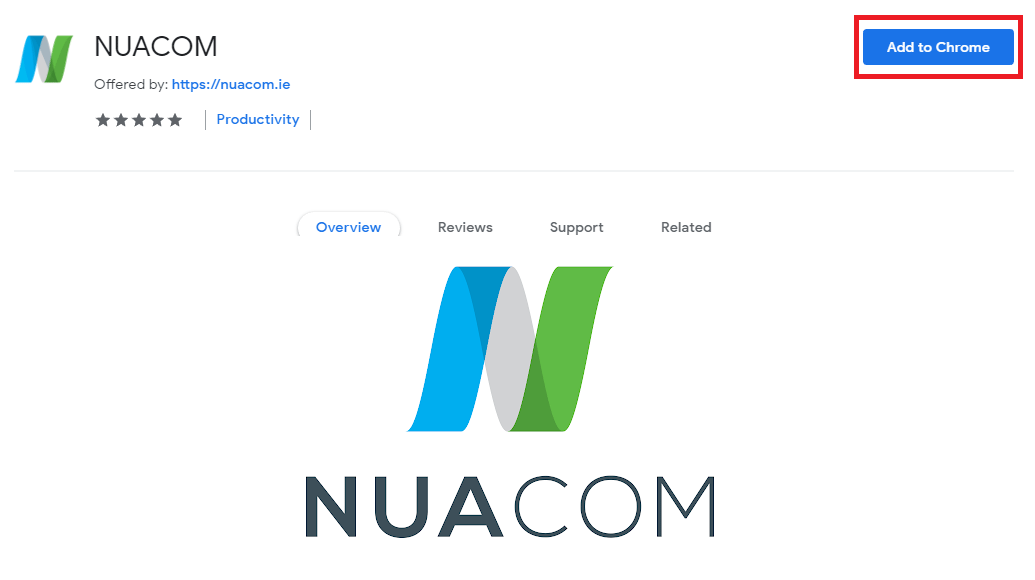
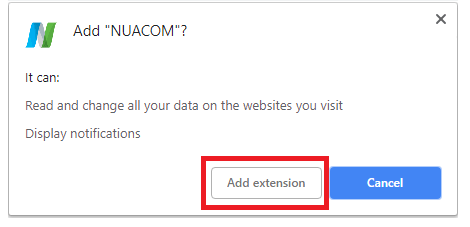
Click 'Add to Chrome' and 'Add Extension
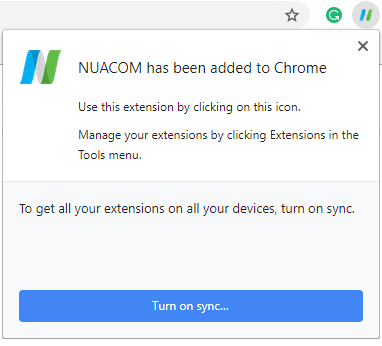
You will see when the installation has been completed
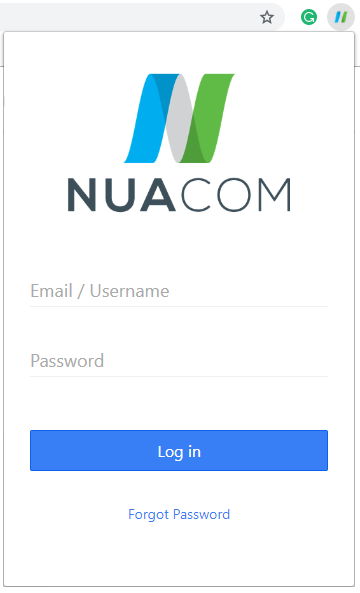
Log in using your NUACOM credentials
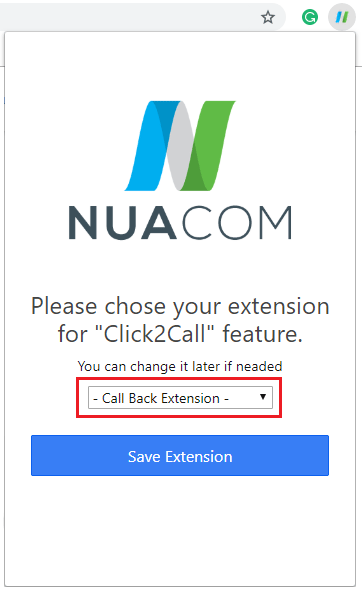
Choose the extension you wish to use
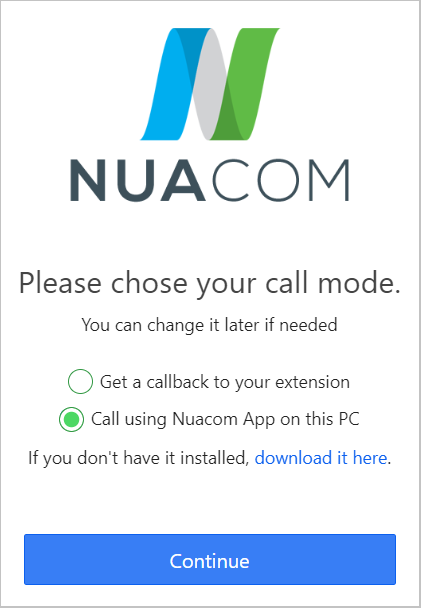
Choose the call mode
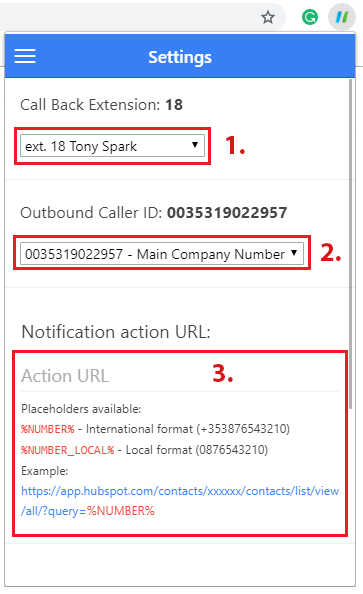
Get a callback to your extension Setup
- Call Back Extension
- Choose the Outbound Caller ID.
- Notification action URL
Use the 'Notification action URL' to integrate with your own CRM. (Leave blank if you do not wish to integrate)
Call using NUACOM App on this PC
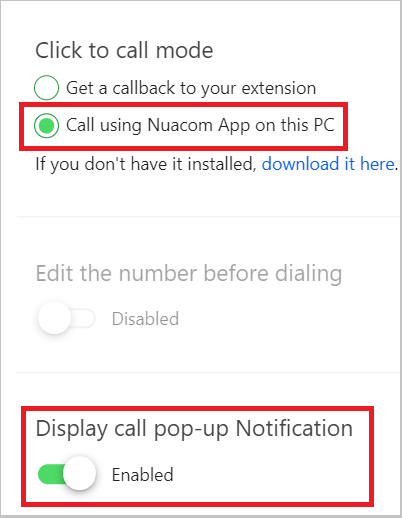
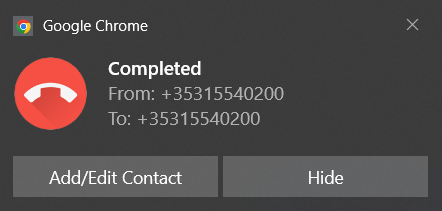
Display call pop-up notification will show when the call is complete
you can add/edit the contact if you wish
Comments
0 comments
Article is closed for comments.